The Ultimate Dominican Republic VPN Guide (2026): Unblock US Streaming, Smart TVs & Account Portals
📑 Table of Contents
1. Why You Need a VPN in the Dominican Republic
Living or staying in the Dominican Republic offers sun, beaches, and vibrant culture—but it can present surprising digital hurdles. Many US-based services strictly restrict access based on your IP address.
Common scenarios faced by expats, remote workers, and locals in the DR include:
- Work Web Portals: Company intranet portals or admin sites blocking non-US IP connections for security reasons.
- US Mobile Carriers (e.g., T-Mobile): Account management, bill pay, and customer service portals blocking international IP ranges.
- Essential Personal Accounts: Account portals and official state services blocking non-domestic traffic.
- Region-Locked Streaming: Subscriptions to services like Netflix, Hulu, Max, Peacock, and Prime Video displaying limited regional catalogs or requiring paid upgrades for movies.
2. What Is a VPN? (The Digital Tunnel Analogy)
You don't need a degree in cybersecurity to understand how a Virtual Private Network (VPN) works.
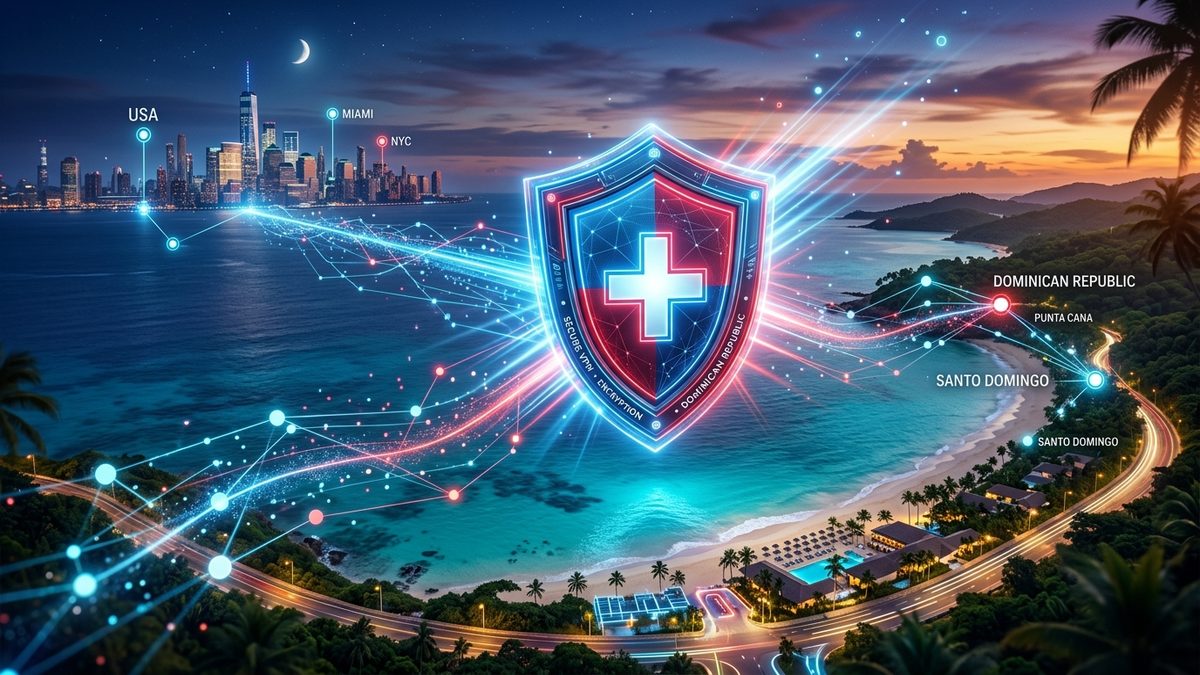
Think of a VPN as a private digital tunnel: When you connect to the internet from your home in Santo Domingo or Punta Cana, websites see your physical IP address in the Dominican Republic and apply regional blocks.
When you tap "Connect" inside a VPN app, your internet traffic is routed through a encrypted tunnel straight to a server in Miami, Atlanta, or Dallas. The website now sees your device as being physically located inside the US, opening access instantly.
3. The 4 Best VPNs for the Dominican Republic
- High-speed servers in Miami, Dallas, and New York (closest to DR)
- Dedicated Smart TV app & SmartDNS feature for Samsung/LG TVs
- Consistently unblocks strict US portals and carrier sites
- 30-day money-back guarantee
- 7-Day Free Trial on iOS and Android app stores
- Connect UNLIMITED devices simultaneously
- CleanWeb ad-blocker & fast US streaming servers
- 30-day money-back guarantee
- Super intuitive app interface (just tap the big ON button)
- MediaStreamer feature for Apple TV & Smart TVs
- 24/7 live customer support
- 30-day money-back guarantee
- 100% free plan with unlimited bandwidth
- No credit card required to get started
- Note: Free servers do not support streaming or strict account portals (requires Paid tier for US streaming)
4. Side-by-Side Comparison Matrix
| VPN Provider | Ease of Use | Smart TV Support | Account Portals | US TV & Movies | Price / Trial |
|---|---|---|---|---|---|
| NordVPN | ~$3.09/mo | ||||
| Surfshark | ~$2.19/mo (7-Day Trial) | ||||
| ExpressVPN | ~$6.67/mo | ||||
| ProtonVPN Free | $0.00 Free Forever |
5. How to Set Up NordVPN on Your Smart TV
Watching US shows on the big screen in the DR is simple. Depending on your TV model:
Option A: Fire TV Stick / Google TV / Android TV
Open the App Store directly on your TV screen, search for NordVPN, click Install, log in, and pick United States (Miami). Done!
Option B: Samsung & LG Smart TVs (SmartDNS)
Log into your NordVPN account online, turn on SmartDNS, then enter the 2 DNS numbers into your TV's Settings ➔ Network ➔ DNS Settings.
Option C: Phone Screen Casting (AirPlay)
Connect NordVPN on your iPhone or Android, play your movie, and tap the 📺 Cast / AirPlay icon to mirror it onto your Smart TV screen.