How to Access All Your US Websites & Shows From DR
I put together this guide so you don’t have to keep calling family whenever a site blocks you. Here is everything you need to know about setting up a VPN on your phone, computer, or Smart TV in a few simple steps.
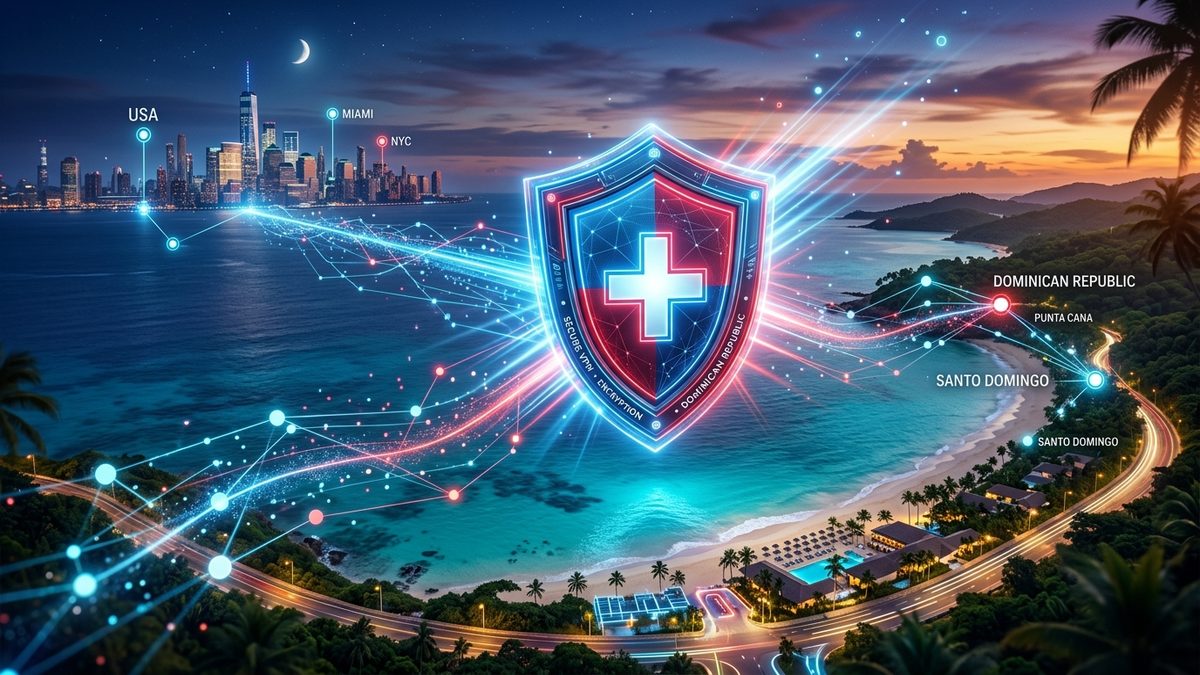
Think of it like a secure private postal box
You don't need any technical skills to use one. Here's how it actually works in real life:
🌐 Without a VPN (Current Situation)
When you open T-Mobile, personal portals, or Netflix from your house in the Dominican Republic, those websites check your internet address (your "IP address"). When they see you're in the DR, they automatically lock you out or change what shows you can watch.
🔒 With a VPN (After 1 Click)
A VPN (Virtual Private Network) puts your phone, computer, or TV inside a "digital tunnel" straight to Miami or New York. The website thinks your device is sitting right inside the US! You tap one button in an app, and suddenly every site opens instantly.
The Best VPN Options for the Dominican Republic
I've picked the safest, fastest, and easiest apps that work flawlessly in the DR.
- 1-Tap connection to US (Miami / Dallas / NY)
- Native Smart TV & Fire TV Stick app + SmartDNS
- Unblocks state accounts & T-Mobile portals
- Super fast for HD Netflix US, Hulu, Max & Prime
- Works on up to 10 devices simultaneously
- 30-day money-back guarantee
- 7-Day Free Trial available on iOS & Android app stores
- Connect UNLIMITED phones, laptops, and Smart TVs
- Smart TV app for FireStick & Android TV
- Fast US servers tailored for HD streaming & work
- 30-day money-back guarantee
- Zero technical setup—just tap the big ON button
- Ultra reliable for strict work & banking sites
- Dedicated app for Smart TVs & Apple TV
- 24/7 live chat support if you ever need help
- 30-day money-back guarantee
- 100% Free plan with unlimited data (no credit card needed)
- Great for basic browsing & test connections
- Made by trusted Swiss security engineers
- Note: Free servers don't support streaming or strict account portals (requires Paid tier for US streaming)
Quick Breakdown Matrix
| VPN Provider | Ease of Use | Smart TV Support | T-Mobile & Account Sites | US TV & Movies | Monthly Cost / Trial |
|---|---|---|---|---|---|
| NordVPN | ~$3.09/mo (30-day trial) | ||||
| Surfshark | ~$2.19/mo (7-Day Free Trial) | ||||
| ExpressVPN | ~$6.67/mo (30-day trial) | ||||
| ProtonVPN Free | $0.00 Free Forever |
How to set it up in 3 minutes
Pick your device below to see the exact steps:
For Smart TVs, picking a server location close to the DR like Miami gives the fastest load times and highest 4K video quality without buffering. If a specific app acts up, switch the server location inside NordVPN to Dallas or New York!